A smart bracelet for your child’s safety
If your child gets lost, anyone can bring them back to you.
Elshafra bracelets carry a QR code. Whoever finds your child scans it with a normal phone camera, sees their first name and calls you right away — and you see roughly where it was scanned in the app.
The app is coming soon.
- The finder needs no app
- Your child’s data stays private
- Arabic and English


How it works
3 simple steps
Nothing complicated: the bracelet, the app and the phone of a kind stranger.
 1
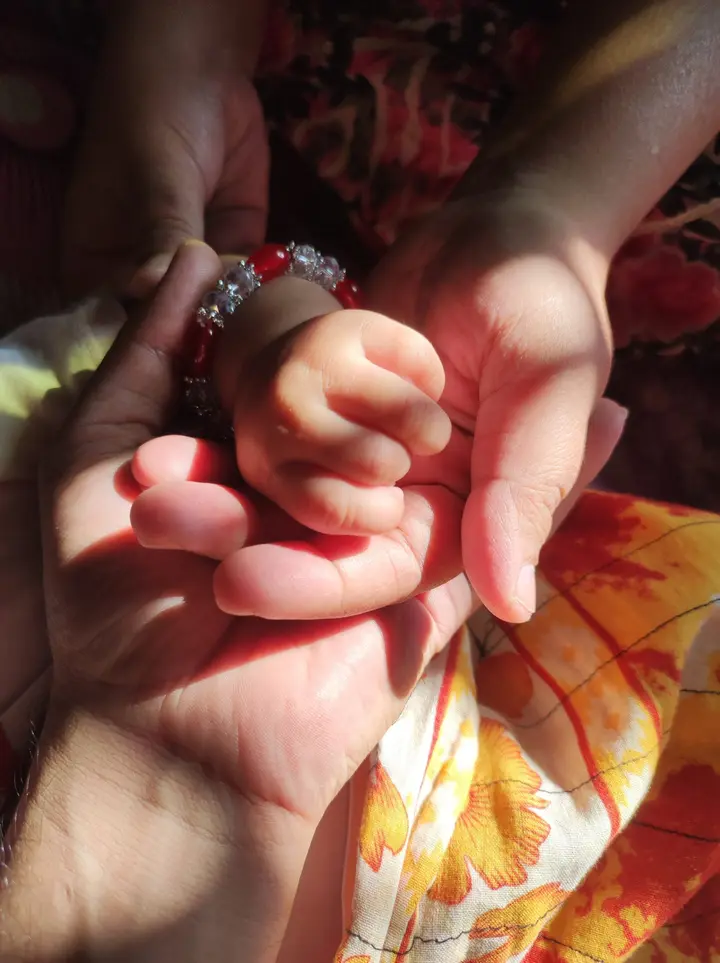
1Put the bracelet on
A light, comfortable bracelet with your child’s own QR code.
 2
2Add your child in the app
A photo, first name, important health notes and the numbers to call.
 3
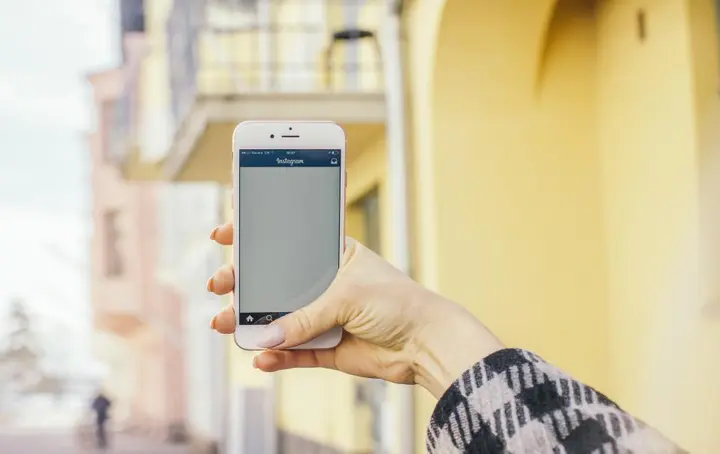
3A finder scans and calls you
They scan the code with their camera, then call you or send you their location.
Why Elshafra?
Everything you need when every minute counts
Where and when it was scanned
Every scan shows up in the app with the time and the area.
Call in one tap
Call and WhatsApp buttons for your numbers — nobody has to type a number.
“My child is lost” mode
Turn it on in the app and everyone who scans the bracelet sees a clear red message.
Important health notes
Allergies, blood type and special needs — shown only if you choose.
Several family numbers
Add the father, the mother or the grandparents — the finder calls whoever answers.
No battery, no GPS
The bracelet needs no charging — any phone with a camera and internet can scan it.
Everywhere
At the park, on the beach, at the mall
Crowded places are where children get lost. Elshafra goes with them on every outing.
 At the park
 On the beach
 On every outing
Privacy first
A stranger only sees what helps
Your child’s first name, photo and how to reach you. Never their full name or your address — and you choose what else to show.
- First name and photo
- Shown
- Call and WhatsApp buttons
- Shown
- Health notes
- If you choose
- Full name and your address
- Never shown
Questions
Got a question?
Does the finder need an app?
No. Any normal phone camera opens your child’s page right away.
Is there GPS in the bracelet?
No. The place comes from the finder’s phone when they scan the bracelet or share their location.
What if the bracelet gets lost?
Unlink it in the app in one tap, then link a new one.
Can one child have more than one bracelet?
Yes, up to 5 bracelets per child — and you can add all your children.
Which phones does it work with?
Any phone camera can scan the bracelet. The parent app is for iPhone and Android.

Keep your child close, always
Download the Elshafra app and activate your child’s bracelet in a minute.
The app is coming soon.